
https://postonce.to/mcp.
Open Settings › AI agents and choose your assistant. PostOnce shows the exact steps for it.
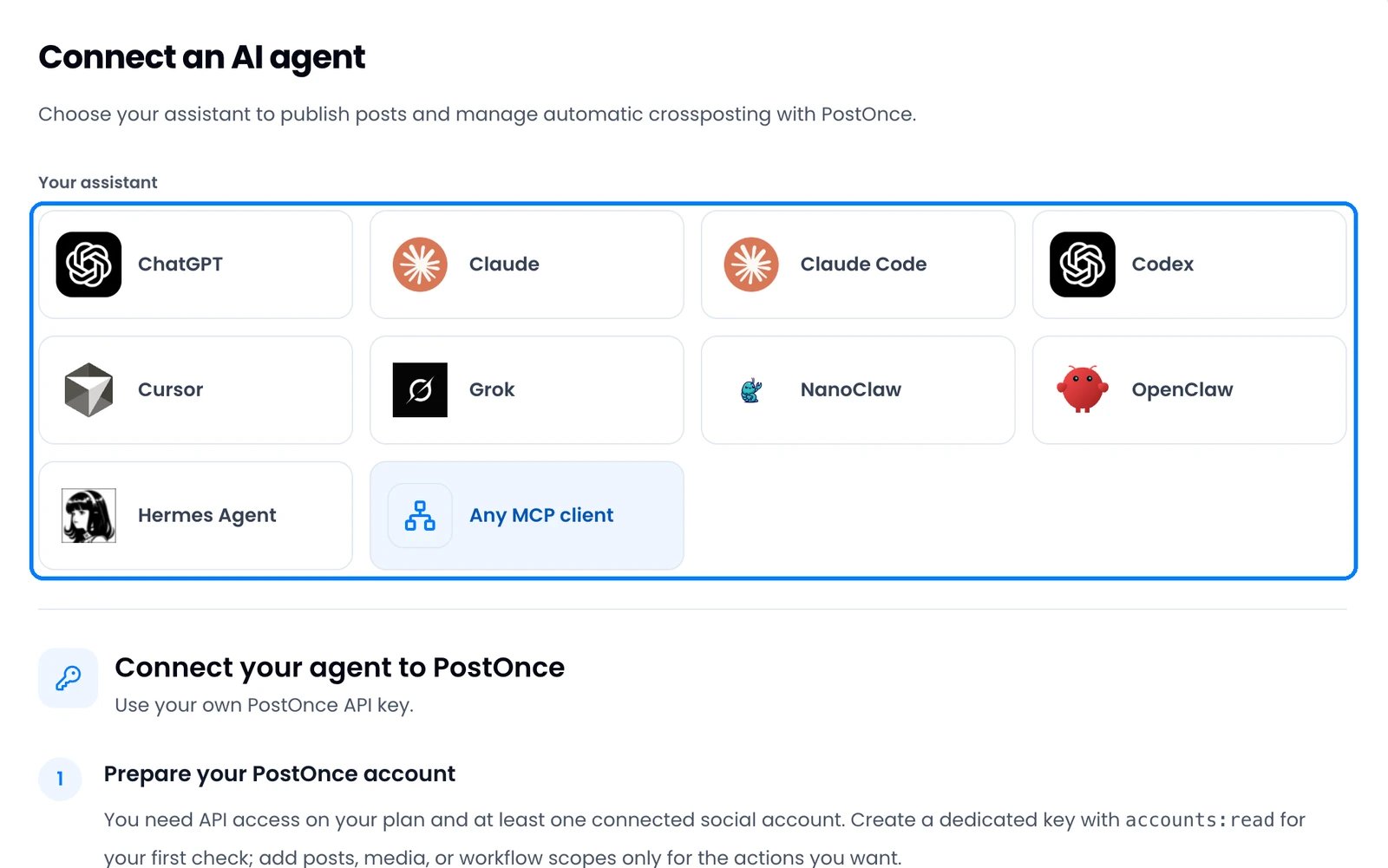
Two ways to connect
Assistants that sign in work during the free trial and on every paid plan. Assistants that use an API key need a paid plan (Creator, Pro or Agency); API keys are not available during the trial. To publish, you also need at least one connected social account.
Connect a coding tool or agent
Add the PostOnce server, then sign in once:- Claude Code: run
claude mcp add --transport http --scope user postonce https://postonce.to/mcp, then run/mcpin Claude Code, select postonce and choose Authenticate. - Codex: run
codex mcp add postonce --url https://postonce.to/mcp, thencodex mcp login postonce. - Cursor: add
{"mcpServers": {"postonce": {"url": "https://postonce.to/mcp"}}}to~/.cursor/mcp.json, then open Cursor Settings › MCP and click Connect next to postonce. - OpenClaw: run
openclaw mcp set postonce '{"url":"https://postonce.to/mcp","transport":"streamable-http","auth":"oauth"}', thenopenclaw mcp login postonce. - Hermes Agent: add
postoncewithurl: "https://postonce.to/mcp"andauth: oauthundermcp_serversin~/.hermes/config.yaml, then runhermes mcp login postoncefrom a new terminal. - Any other MCP client: add the remote server
https://postonce.to/mcp(Streamable HTTP) and choose sign-in or OAuth if the client asks. There’s no client ID or key to enter.
Connect with an API key
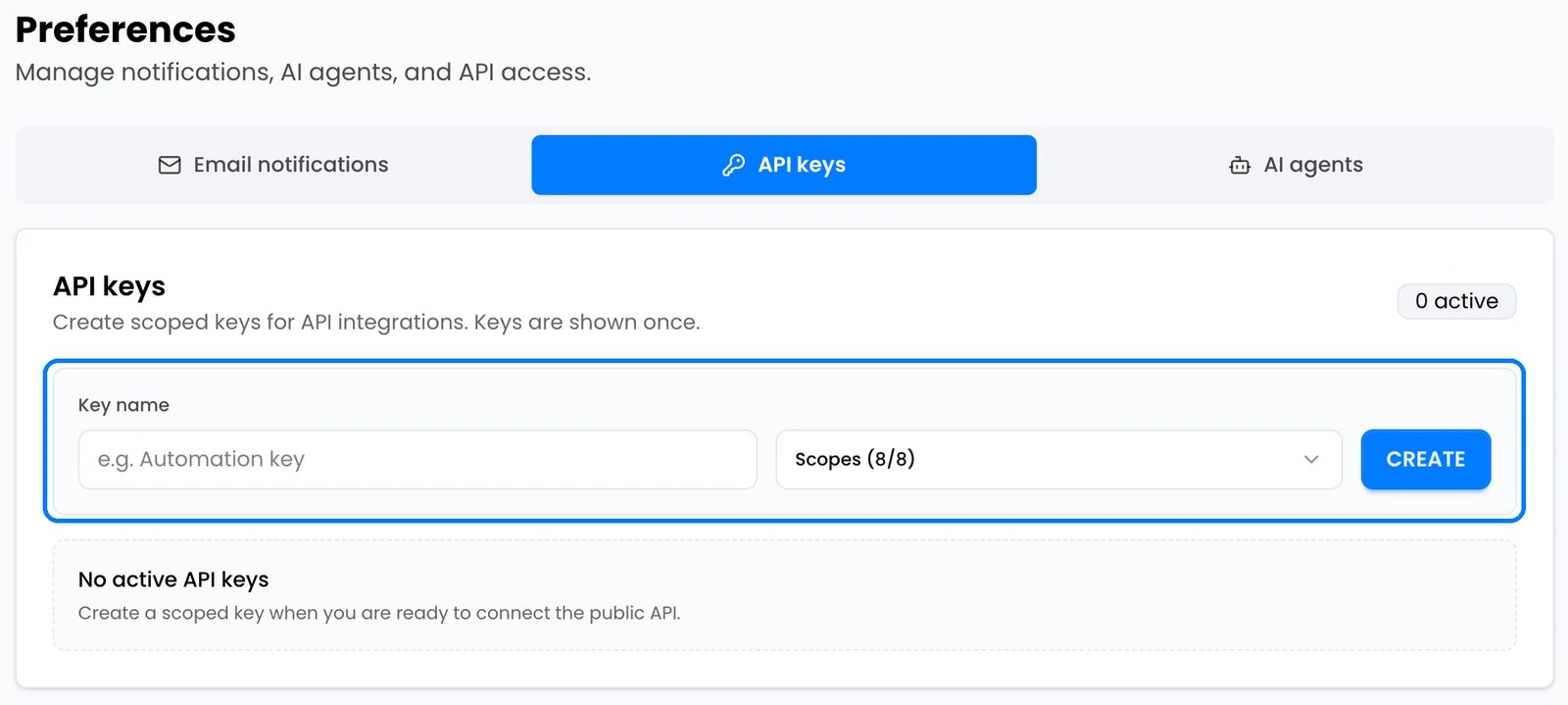
Use this only for NanoClaw or a client that can’t sign in.- Open Settings › API keys, name the key and click Create. Copy it right away; it’s shown only once.
- Add PostOnce to your assistant with these details:
- Ask the assistant: “Show my connected social accounts.” It should list your accounts.
Manage connected assistants
Assistants you signed in from appear under Connected apps on the AI agents tab, with the permissions they have. Click Revoke access to disconnect one.Tips
- Ask the assistant to create a draft first and check it in Posts › Drafts before publishing.
- Assistants can’t read files attached to a chat. Give them a public link to the media instead.