
Connect Threads
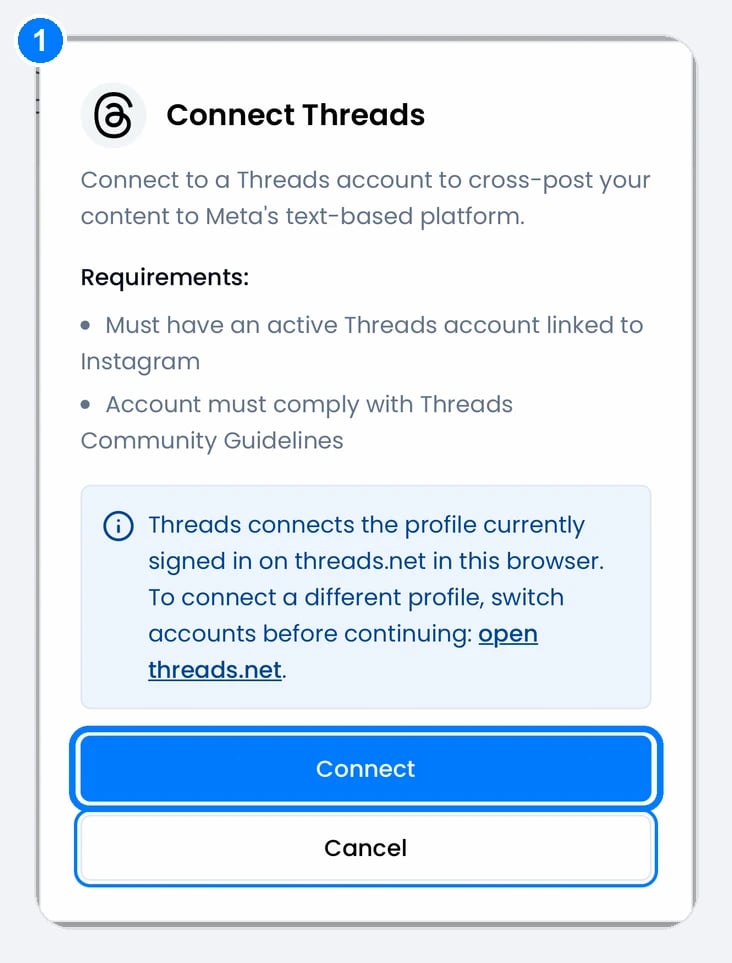
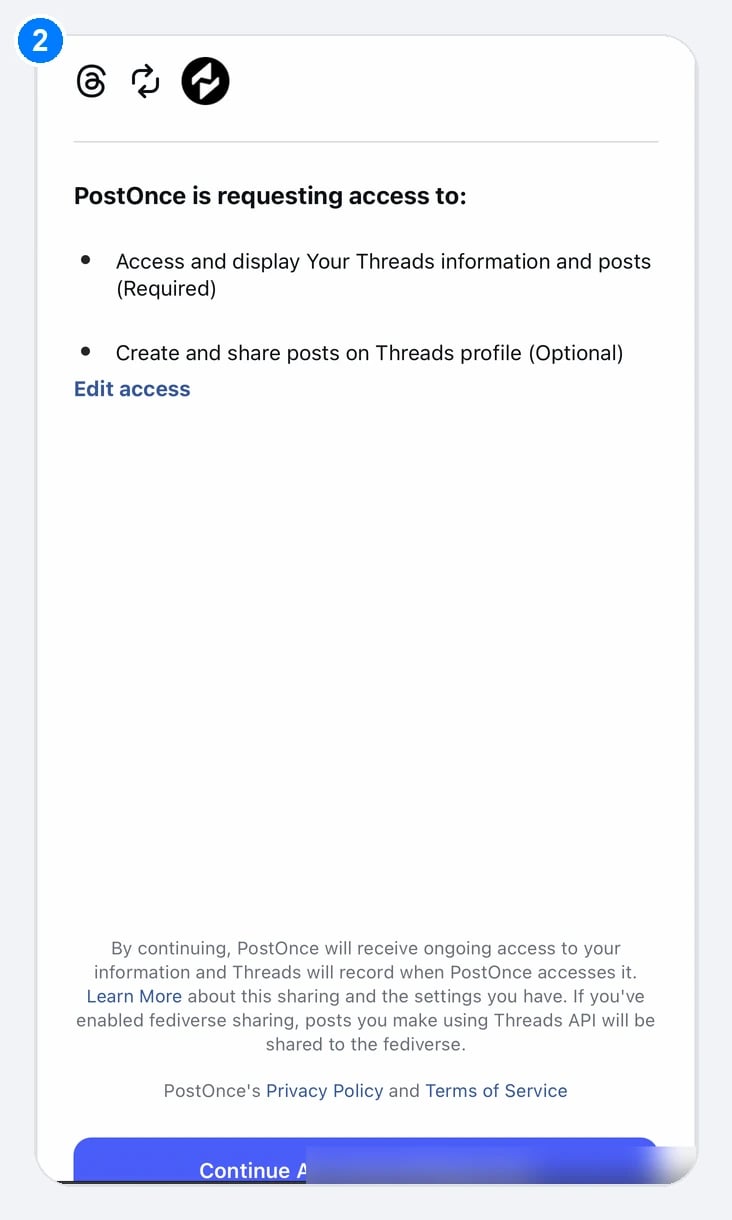
Click Connect in PostOnce (1). Threads lists the access PostOnce asks for (2); tap Continue as your profile at the bottom.
You need an active Threads account linked to Instagram. PostOnce connects the profile that’s signed in on threads.net in your browser. To connect a different profile, switch profiles on threads.net first, then click Connect Threads on Accounts. If you see “@name was already connected. No new account was added.”, you were still signed in to the profile you connected before.Threads as a source
- PostOnce checks Threads for new posts every 5 minutes, or less often if the account hasn’t posted for a few days (schedule).
- Text, images, videos and quote posts can be copied. Posts before 5 July 2023 can’t be imported.
Publishing to Threads
Text-only posts are supported.